
Understands the request
Mero classifies the job as campaign, product-to-model, base-image edit, product design, marketing ad, or advice.
A creative director inside Meraa that converts a campaign idea into an editable plan, checks missing inputs, estimates credits, asks for approval, then runs the studio tools in sequence.
Campaign plan
Editable before generation
Build a modest fashion campaign for a satin abaya, select a model direction, create scenes, and finish with ads.
Run sequence
Every step stays connected to the same project memory.
Mero is not a blank prompt box. It is the agent that understands the brief, decides the path, and controls the connected generation tools.
Mero classifies the job as campaign, product-to-model, base-image edit, product design, marketing ad, or advice.
It separates product, model, scene, pose, and base-image references so one role does not overwrite another.
It chooses concrete scene, pose, lighting, camera, and preservation rules before each tool receives a prompt.
Credits are estimated first. The workflow can be edited or cancelled before Mero runs generation.
Mero can ask for missing details, use optional web context, save useful decisions to project memory, and turn the final plan into an approval-ready run.
Create a six-image modest fashion campaign for our new satin abaya. Use our latest product image, choose the model direction, include launch ads, and keep the whole campaign visually connected.
Web search
01 Which product image is the approved base?
02 Should the cast be created or selected from library?
03 Do ads need brand copy or image-only layouts?
Mero workflow plan
Editable before credits are spent
Step 1
Product to model
Direction, rationale, light, camera, and preservation rules.
Step 2
Scene change
Direction, rationale, light, camera, and preservation rules.
Step 3
Marketing campaign
Direction, rationale, light, camera, and preservation rules.
Every generated step maps to a tool Meraa already knows how to run. Most visual steps cost one credit, while saving reusable product assets costs zero.
1 credit
Reusable AI fashion model asset.
1 credit
Apply a product to a selected model or person.
1 credit
Change pose while preserving identity, product, outfit, scene, and light.
1 credit
Change environment while preserving subject, product, pose, and identity.
1 credit
Create model visuals from product-only references.
1 credit
Generate ads, posters, layouts, copy, and launch visuals.
0 credit
Store durable product outputs in the asset library.
When the request is under-specified, Mero asks up to three questions with suggested answers and why each answer matters.
The plan stays readable while Mero moves from waiting, to running, to completed outputs.
Durable facts, brand rules, campaign decisions, assumptions, and constraints are saved as reusable project notes.
Plans can be edited, approved, cancelled, resumed after failure, and reviewed through step statuses and generated outputs.
The run streams progress step by step, then displays outputs that can be opened, downloaded, or saved back into the product and asset library.
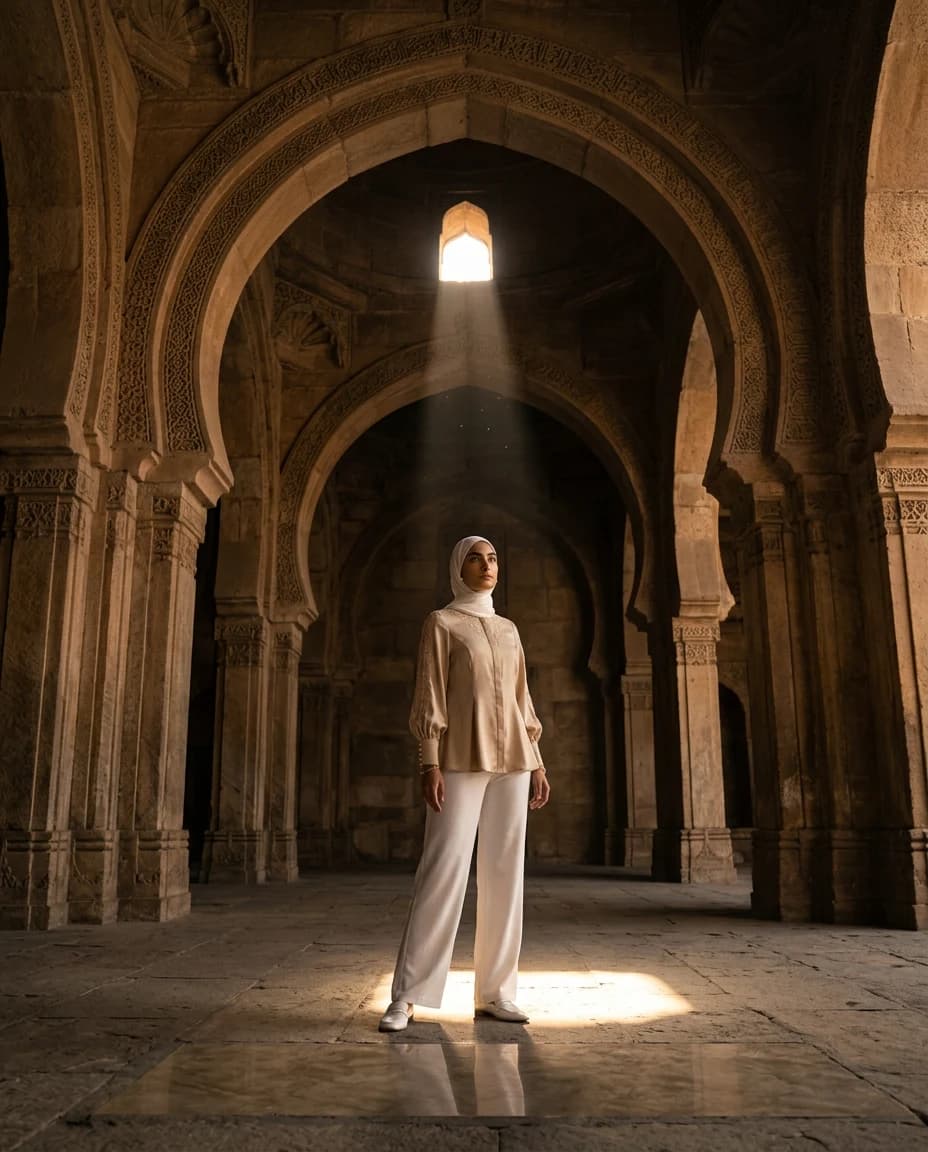

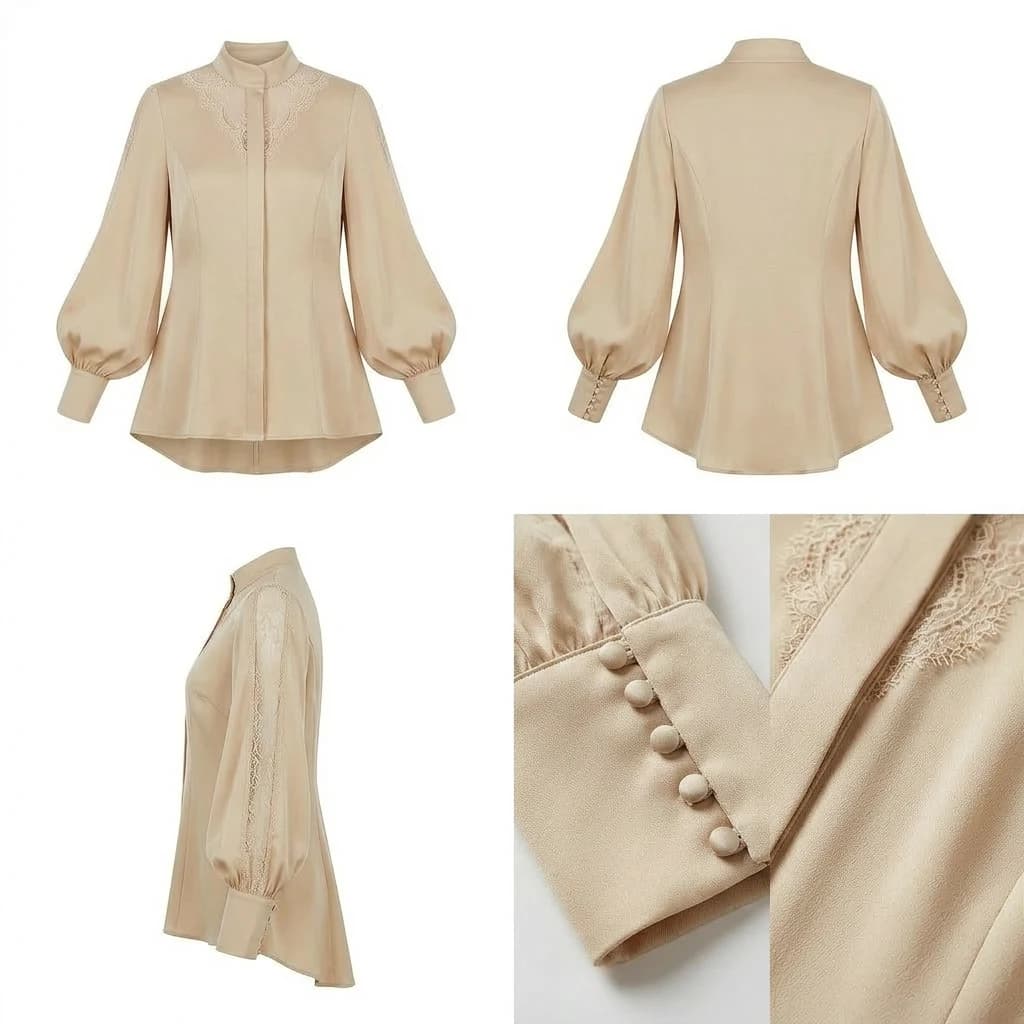
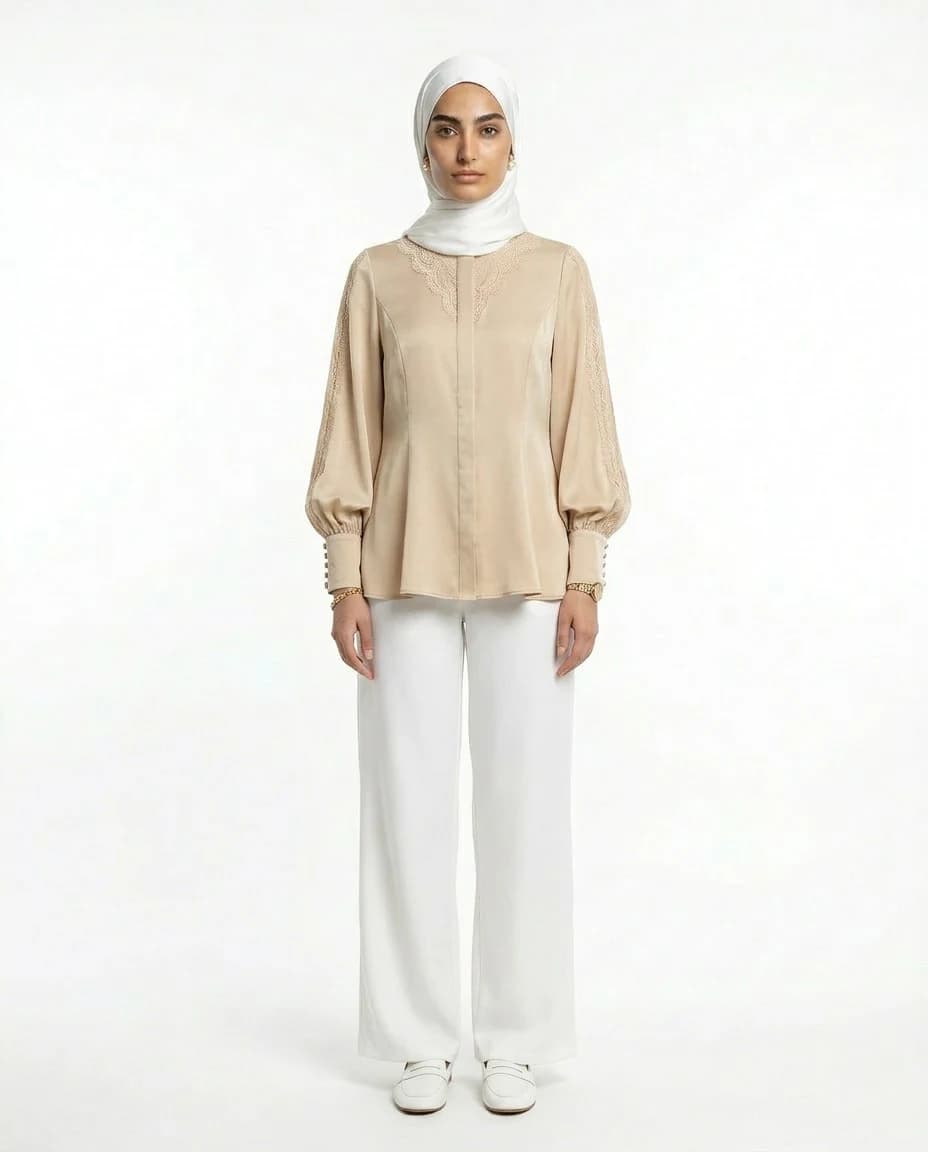
Mero keeps the production chain visible: product source, model application, campaign images, and ad output all stay attached to the same brief.
Mero can start from an uploaded product or create the missing product source first.
The approved product direction is moved onto a model without losing the garment read.
Connected campaign visuals vary pose, crop, lens, and micro-location.
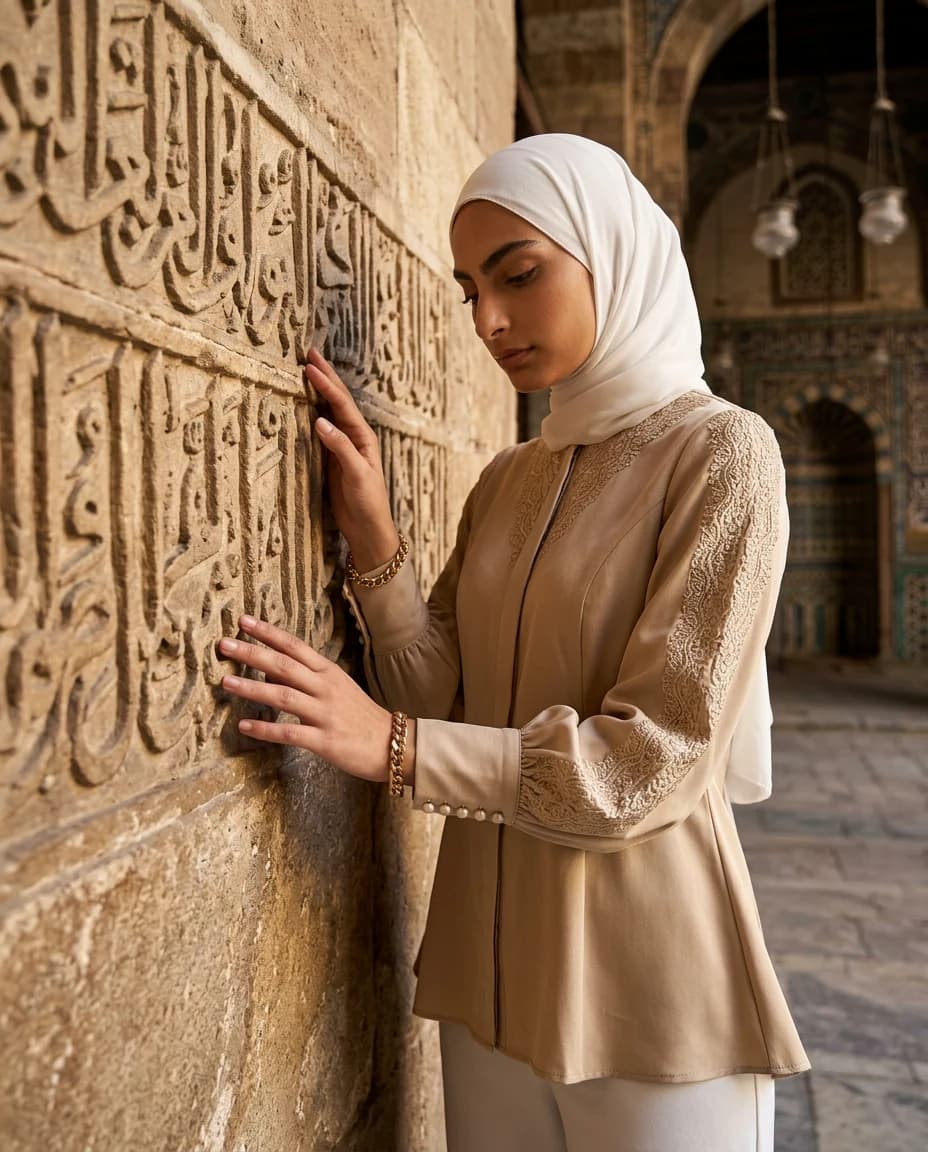
The world stays consistent while individual shots feel distinct.
Finished marketing assets can include launch composition, type, and campaign framing.
Use Mero when one campaign request needs planning, approvals, and multiple connected outputs.